
The SaaS Interface is Dead: Welcome to the Age of Generative UI
Introduction
For decades, SaaS meant clicking through static menus and dashboards. We navigated pre-defined pathways, filled out forms in fixed sequences, and often found ourselves wrestling with interfaces that, while functional, felt rigid and impersonal. We learned the software's logic, rather than the software learning ours. But the game has fundamentally changed.
We're standing on the precipice of a monumental shift in how we interact with software. This isn't just an incremental update; it's a paradigm overhaul. We're moving from 'Point-and-Click' to 'Prompt-and-Render' – where the interface is no longer a fixed set of screens but a fluid, intelligent, and dynamically generated experience. This revolution, spearheaded by Generative UI (GenUI), promises to reshape everything we know about user experience, product development, and business strategy in the SaaS landscape.
The Shift from Static to Dynamic: Beyond Traditional SaaS
The Limitations of Traditional SaaS
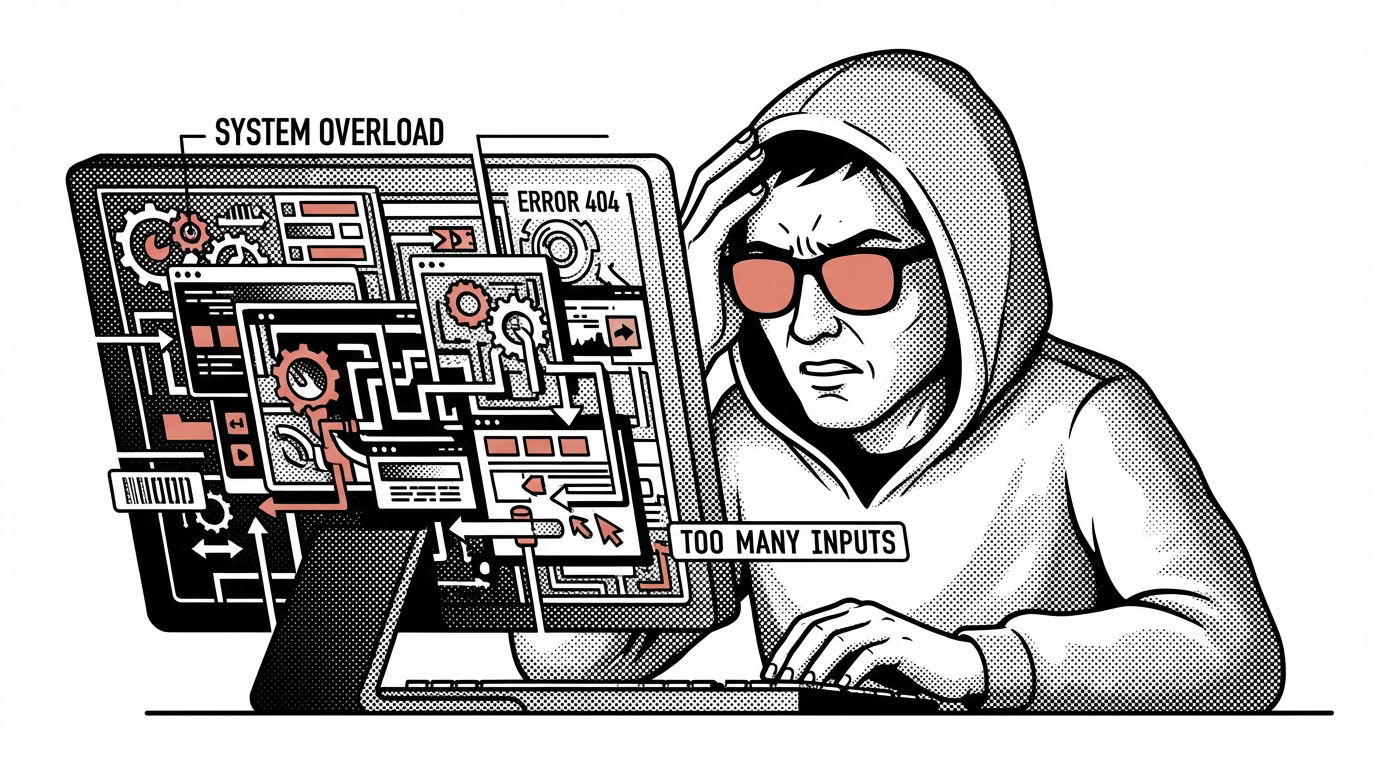
Think about your everyday SaaS applications. Whether it's a CRM, an ERP, or a marketing automation platform, you're largely interacting with a pre-built structure. You open the application, and you're presented with a dashboard, a navigation bar, and a series of forms or reports. To accomplish a task, you follow a prescribed sequence: click this menu, open that tab, fill in these fields. It's a bit like navigating a large city with a static, printed map. You know where everything is, but you have to figure out the best route yourself, often backtracking or taking detours.
This "fixed asset, pre-defined pathways" model has served us well, but it comes with inherent limitations:
- Cognitive Load: Users spend valuable time learning the interface rather than focusing on their actual work.
- Lack of Personalization: A single interface often tries to serve diverse user roles and needs, leading to friction and inefficiency for many.
- Slow Adaptation: Updating UI for new features or user feedback can be a lengthy and expensive development cycle.
- Feature Bloat: Over time, interfaces can become cluttered with features that only a subset of users need, making the experience cumbersome for everyone.
Generative UI: A New Era of Dynamic Interaction
Generative UI (GenUI) shatters these limitations by introducing interfaces generated in real-time based on explicit user intent, role, context, and even historical behavior. Instead of a one-size-fits-all approach, GenUI creates a bespoke digital workspace tailored to the exact moment.
Imagine this: Instead of navigating that static map, you simply state your destination and current mode of transport, and the system instantly creates a personalized, optimized map with turn-by-turn directions, highlighting relevant landmarks and avoiding known obstacles. That's the essence of GenUI. The system doesn't just show you an interface; it constructs the most relevant interface for you, right now.
This means:
- Contextual Relevance: An HR manager logging in will see different tools and data than a sales rep, even within the same application. Furthermore, the sales rep working on a new lead will see different UI elements than when reviewing an existing client's account.
- Task-Oriented Design: The interface adapts to the task at hand. Need to launch a marketing campaign? The system presents a campaign wizard optimized for your past campaigns and current marketing goals, rather than making you hunt for the right sequence of forms.
- Reduced Learning Curve: With interfaces that anticipate needs, users can become productive much faster, requiring less training and support.
How it Works: The 'Rendering Schema' Unveiled
At the heart of GenUI is a powerful combination of advanced AI and flexible frontend technologies. While it might seem like magic, the process is rooted in sophisticated architectural design.

LLMs as Orchestrators
Large Language Models (LLMs) are the brain behind the operation. These models, trained on vast datasets, excel at understanding natural language, deciphering complex intent, and reasoning across diverse information. In a GenUI context, the LLM doesn't just process a textual prompt; it interprets the holistic context surrounding the user's request. This includes:
- User Profile: Role, permissions, preferences.
- Current Task: What the user is trying to achieve.
- Historical Data: Past interactions, frequently used features, common workflows.
- External Data: Real-time information, market trends, specific business rules.
When a user types a prompt like "Show me the quarterly sales performance for the APAC region and identify any potential churn risks for enterprise clients," the LLM doesn't just return a text answer. It understands the components needed to fulfill that request visually and interactively.
Generating the 'Rendering Schema'
Upon interpreting the user's intent, the LLM then generates a "rendering schema." Think of this as a highly structured, machine-readable blueprint for the frontend. Most commonly, this takes the form of a JSON (JavaScript Object Notation) payload. This schema is not the UI itself, but a detailed instruction set for how to build the UI. It specifies:
- Components: Which UI elements are required (e.g., a bar chart, a data table, a filter panel, a "create new campaign" button, a specific form).
- Data Sources: Where the frontend should pull the necessary data from (e.g.,
api/sales-data,api/customer-risk-scores). - Configuration: Properties and attributes for each component (e.g., chart type, axis labels, column names, default filter values, interactive elements).
- Layout: How these components should be arranged on the screen (e.g., side-by-side, stacked, within a specific container).
- Actions: What actions can be performed on these components (e.g., drill-down options, export buttons, editing capabilities).
Dynamic Assembly and Population
Once the frontend receives this rendering schema, it acts as a highly intelligent assembler. Instead of fetching a pre-rendered HTML page, it dynamically assembles and populates the UI components on the fly. This means:
- If the schema specifies a "bar chart" for sales performance, the frontend dynamically renders a bar chart component, pulling the specified data and configuring its appearance as instructed.
- If it includes a "campaign wizard," the frontend loads and configures the wizard steps, potentially pre-filling fields based on the user's context or past actions.
- If the LLM identifies a "potential churn risk," the schema might include a custom alert component with specific client details and a "Contact Client" button, pulling data from the CRM and communication logs.
This dynamic nature allows for unprecedented flexibility and responsiveness, far beyond what static templates can offer.
Why It Matters for Your Business: A Competitive Imperative
The transition to Prompt-and-Render isn't just a technical curiosity; it's a strategic imperative that will redefine competitive landscapes and unlock new levels of business value.
1. Hyper-Personalization at Scale
One of the most profound impacts of GenUI is the ability to deliver hyper-personalized experiences to every single user. This goes far beyond simply displaying a user's name or preferred theme. With GenUI, the entire interface adapts to:
- Individual Roles: A CEO needs a high-level overview; a data analyst needs granular controls and raw data access.
- Specific Projects: An interface for managing Project X will highlight different metrics and tools than for Project Y, even if both are within the same application.
- Personal Preferences & Habits: Over time, the system can learn which reports a user frequently accesses, which workflows they prefer, and which data points are most critical to their decision-making, proactively surfacing these elements.
Example: Imagine a marketing platform. A CMO might prompt, "Show me the ROI for our Q3 digital campaigns, broken down by channel," and receive a dynamic dashboard with interactive charts, budget comparisons, and a summary. A marketing specialist, prompting "Help me set up a new A/B test for our landing page," would instantly get a streamlined wizard with relevant fields, pre-populated options based on past successful tests, and direct integration with their CMS. This level of tailored experience drastically improves user satisfaction and effectiveness.
2. Unprecedented Efficiency Gains
The impact on efficiency is monumental, touching every aspect of a business that relies on software.
- Drastically Reduces Time-to-Task Completion: Users no longer hunt for features or navigate complex menus. They articulate their need, and the interface is presented. This directness shaves minutes off every task, accumulating to significant time savings across an organization.
- Accelerated Onboarding: The biggest hurdle for new SaaS users is often learning the interface. With GenUI, the system can guide new users contextually, presenting only the necessary tools and information for their initial tasks. This significantly reduces the learning curve and time to productivity.
- Reduced Training & Support Costs: Fewer interface-related questions translate to lower demands on customer support and internal training departments.
- Faster Iteration for Product Teams: Instead of building static UI components for every possible scenario, product teams can define a library of reusable components and focus on refining the LLM's ability to generate optimal rendering schemas. This speeds up feature delivery and allows for rapid experimentation.
3. A New Competitive Edge: Shifting the Moat
Historically, a significant competitive advantage in SaaS was often tied to the intuitiveness or feature richness of an application's static UI. Users became accustomed to a particular interface, creating a switching cost. With GenUI, this "interface familiarity" moat begins to erode.
The new competitive battleground shifts from how an interface is structured to the intelligence and depth of data context powering that interface. Businesses that can leverage GenUI to:
- Integrate more diverse and richer datasets (internal, external, real-time).
- Develop more sophisticated LLM orchestration that understands nuanced user intent and business logic.
- Create a robust and flexible library of UI components that can be dynamically assembled.
...will be the ones that win. The value moves from the presentation layer to the underlying AI and data infrastructure. This is a profound shift that demands a re-evaluation of product strategy, engineering priorities, and even the skills needed within a development team.

Key Takeaways
Generative UI isn't just an incremental upgrade to existing software; it's a fundamental paradigm shift for how users interact with digital tools. It moves us from a world of fixed, pre-defined pathways to one where interfaces are fluid, intelligent, and precisely tailored to individual needs and contexts.
This technological evolution fundamentally alters not just product development cycles and user experience metrics, but also how businesses create and capture value. Companies that embrace the Prompt-and-Render future will unlock unparalleled efficiency, foster deeper user engagement, and establish a significant competitive advantage in an increasingly intelligent digital landscape.
Conclusion
The era of static, one-size-fits-all SaaS is rapidly giving way to a dynamic, intelligent future. Generative UI empowers users with interfaces that anticipate their needs, streamline their workflows, and adapt in real-time. This isn't just about making software easier to use; it's about making it inherently more powerful and aligned with human intent.


